ZazaG Dev / Apps / Desktop apps / Editbay

Editbay
Free, maintained video editor, no catch. Cut talking-head videos and screen recordings fast. No account, no subscription, no watermark.
Windows 11, 64-bitFree and open sourceMIT licence
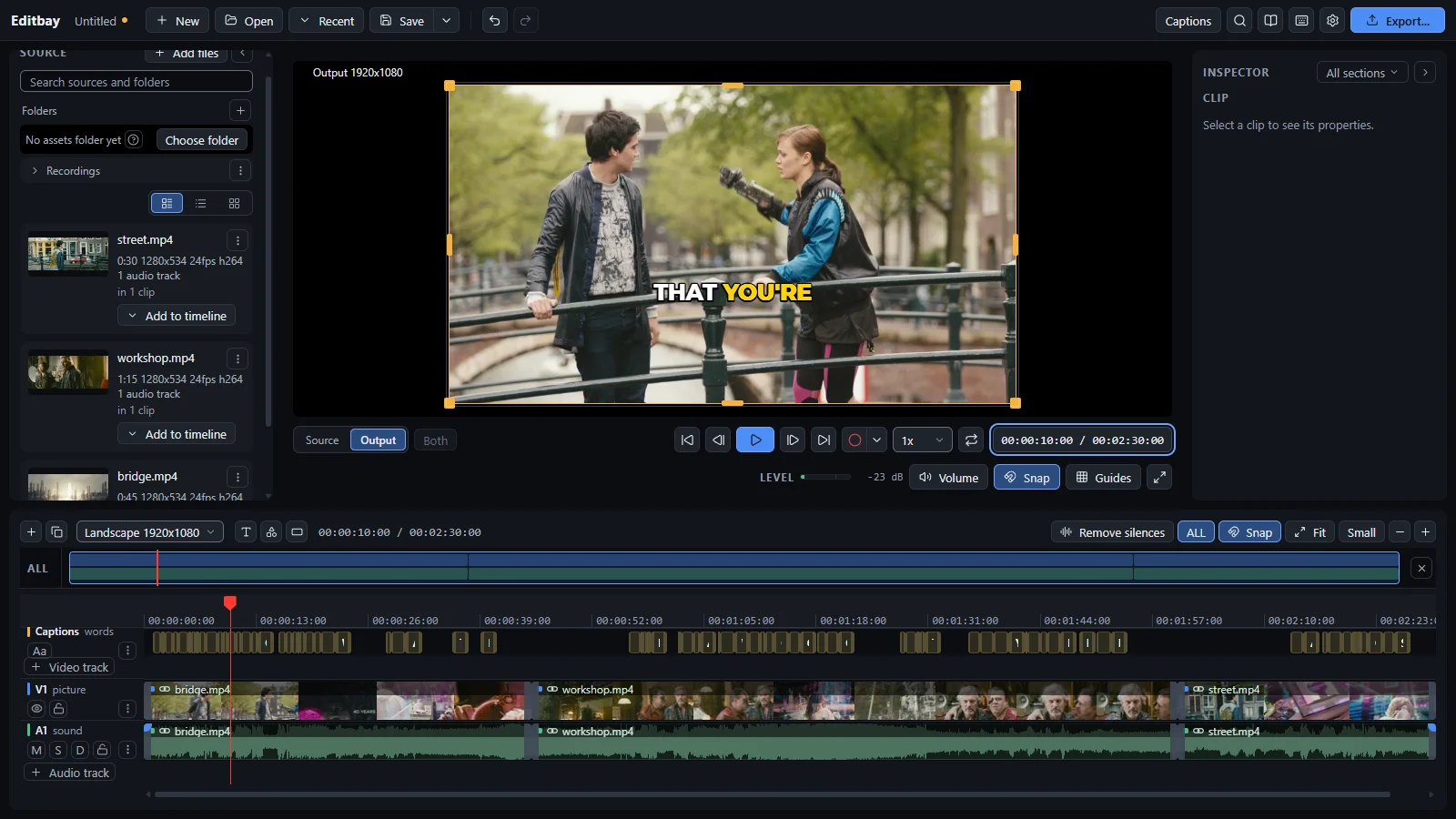
What's inside
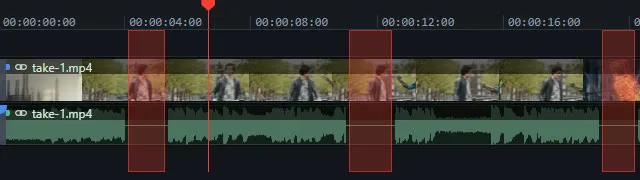
Removes silences
Finds every pause and shows the time you get back first.

Captions, offline
Speech to text on your machine. No key, no upload, no bill.
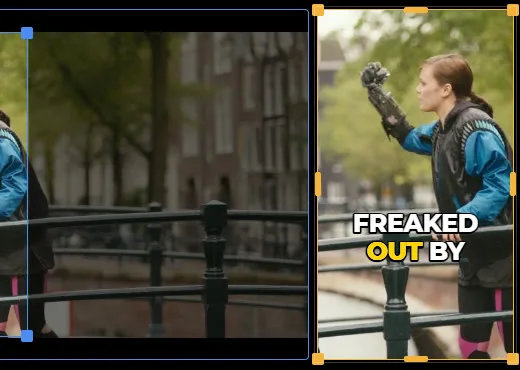
Wide to vertical
Cut a short from a wide shot, and keep a face in frame.
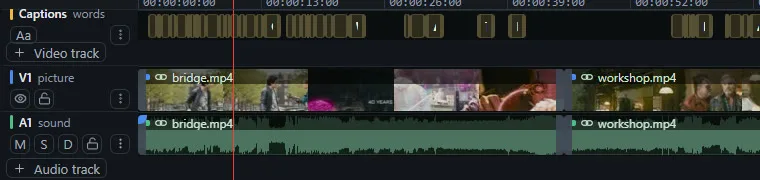
Multi-track timeline
Split, trim, ripple, layers and thirty transitions.

Sound that behaves
Clip volume, music ducked under the voice, noise clean up.
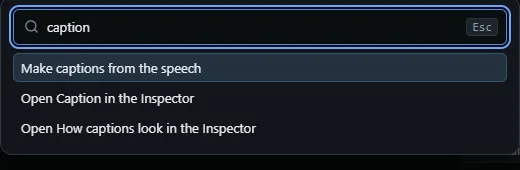
A key for everything
Every shortcut can be changed. Ctrl+K finds the rest.
Most of the edit, in one click
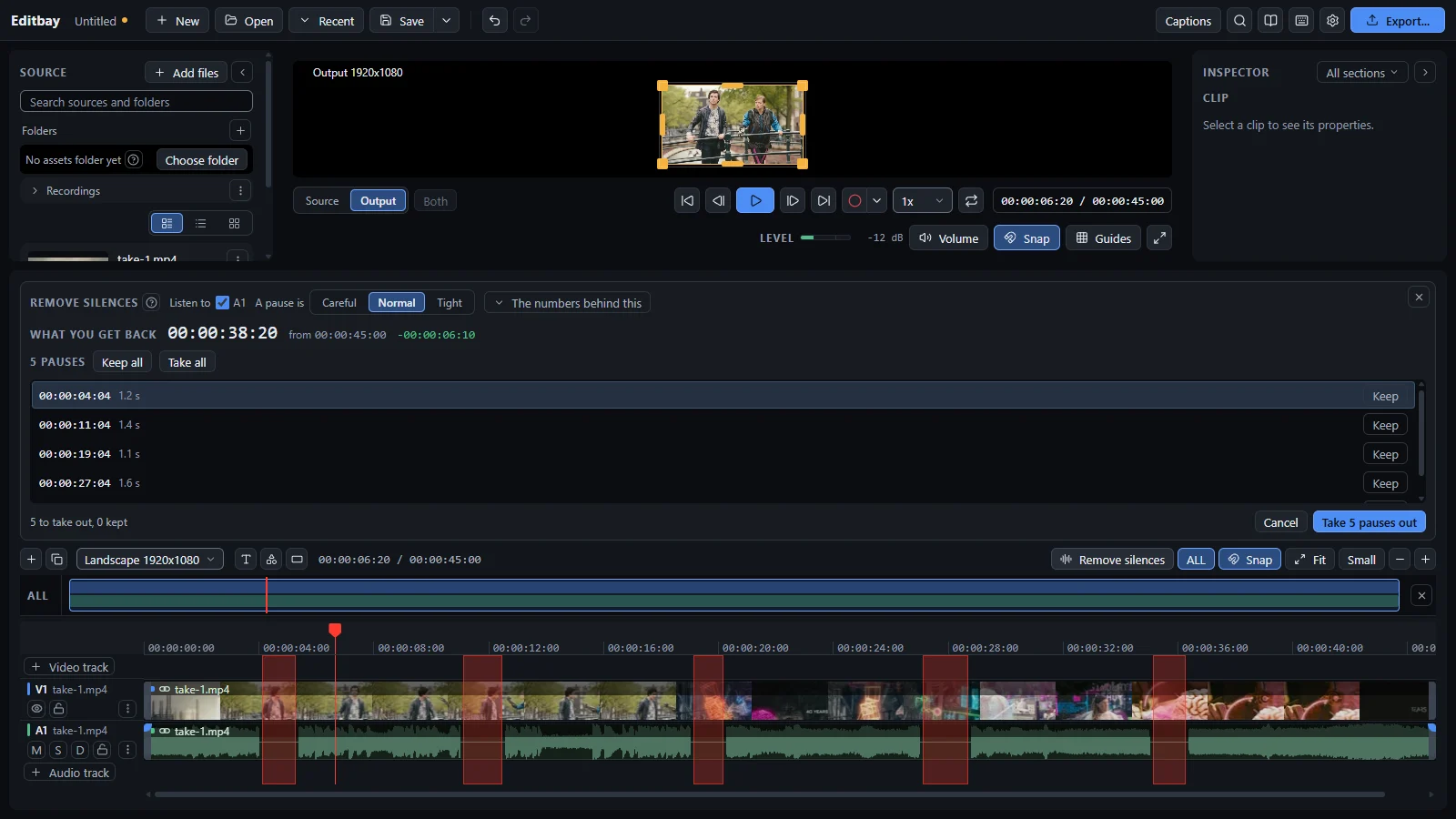 1Remove the pausesPoint it at a track. Keep or drop each pause one at a time, or take the lot.
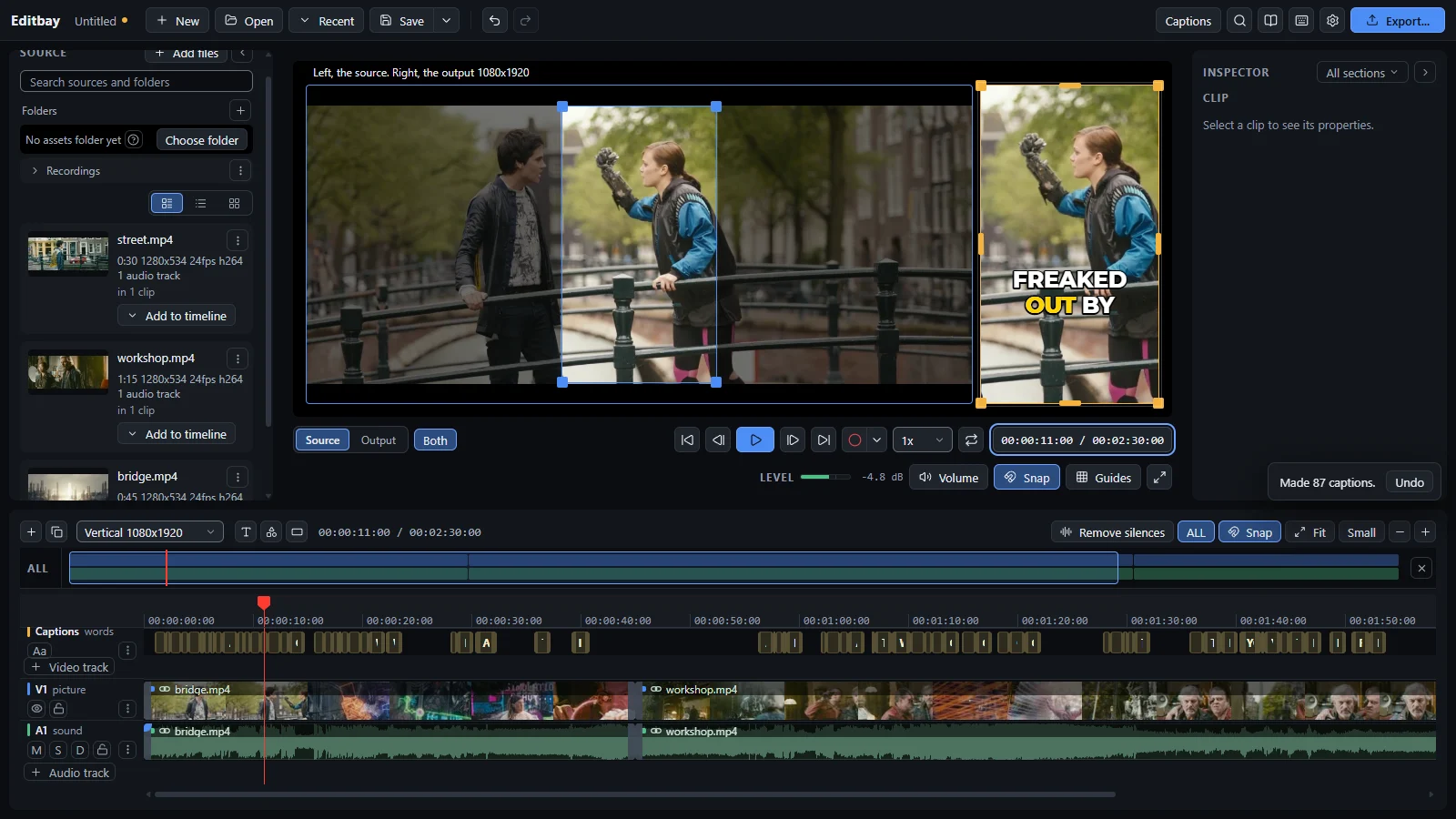 2Wide to vertical, captions includedSwitch to 1080x1920 and every crop is laid out again. Captions come from the speech, on your machine.
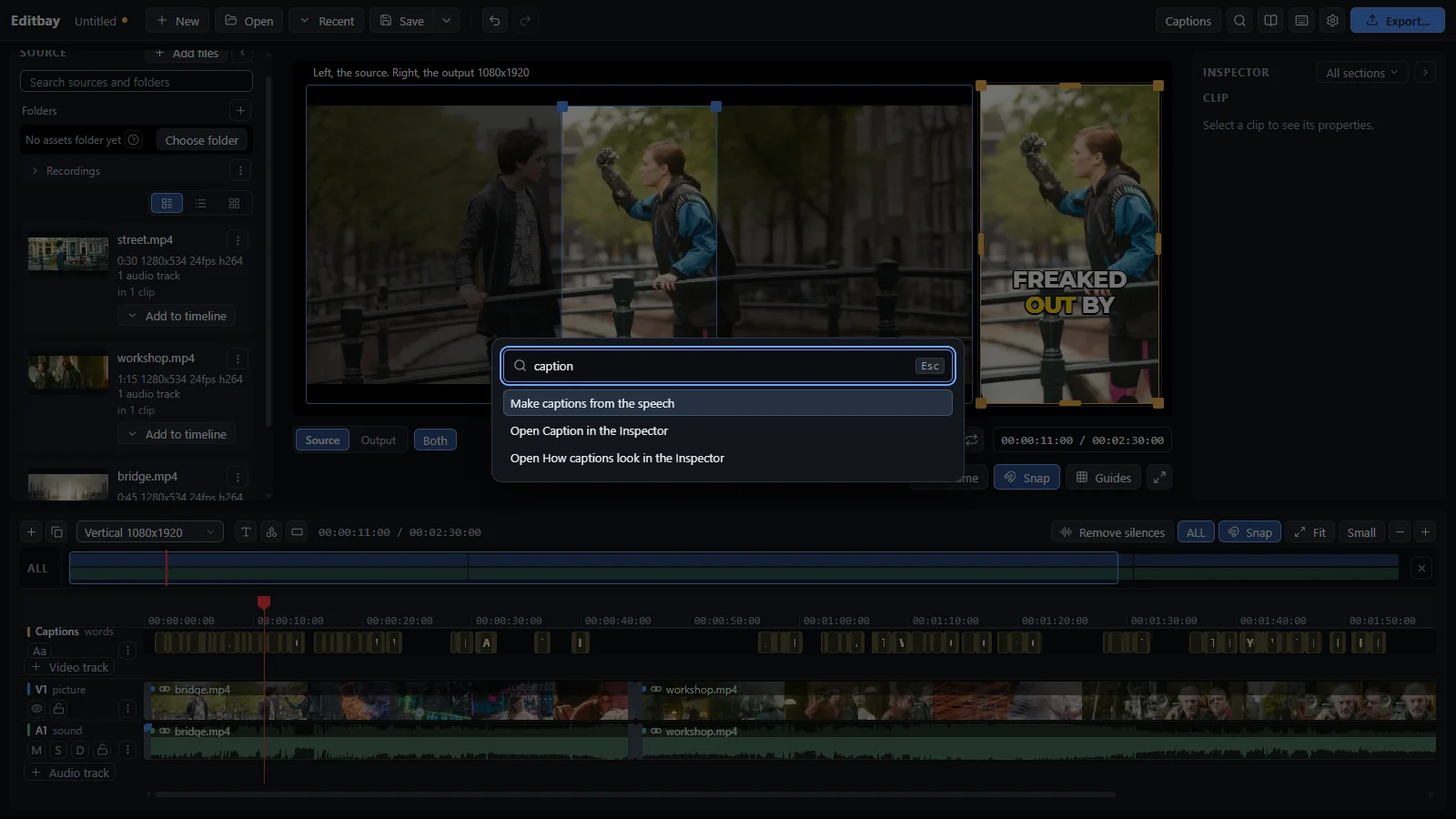 3Find anythingCtrl+K opens every command by name.
Free, today, for Windows.
- Nothing leaves your computer: no telemetry, no account, no update check.
- Two downloads, ever: the captions program and its speech model, only if you ask for captions, each checked against a known hash.
- Windows may warn that the installer is unsigned. Click More info, then Run anyway.
Footage in the screenshots: Tears of Steel, Blender Foundation, CC BY 3.0.